



Tuning In To
CityLIVE Radio
We are available on many radio apps and devices, so its easier for you to listen to us 24/7.
Not only do we have our official apps that give you access to our live feed and our listen again feature, but you can also listen to us on your Alexa smart speaker, Smart TV and online in the UK, USA, Canada and Mexico for free.
If you're struggling to listen to our programming, other than here on our website. Let us show you how else you can tune in using other platforms.
Alexa Devices
You can ask Alexa 'Enable City Live Radio skill'. Then say 'Play City Live Radio'. Hey presto! You can now listen to our station on any Alexa device, you've got your account connected to.
If that doesn't work, then go to the Alexa Skills section on your Alexa app, search for 'City Live Radio' and enable the skill there.
Smart Devices
You can listen to our station using several smart devices, such as Fire TV, Roku and Android TV.
Install any of these app to listen to us on your TV :
My Tuner, Radio Portal, Shoutcast, Get Me Radio, Radio Garden, Live365, CityLIVE Radio App (Roku Only) and MixCloud.
Just search for 'City Live Radio' and you'll see our logo to download. If you have Android or CarPlay in your car, you can also use those apps to listen anywhere.


Mobile Devices
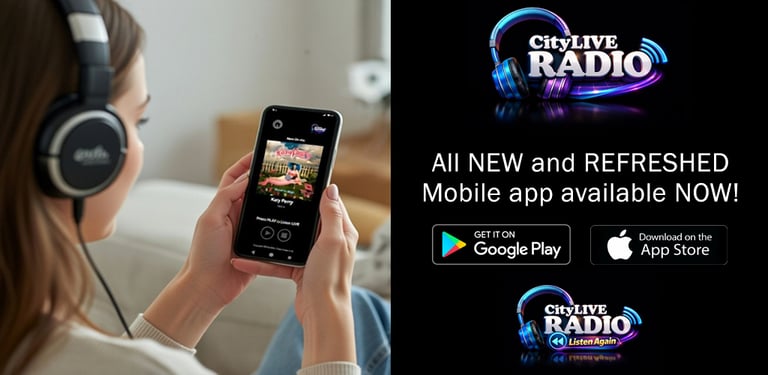
You can now download our official app for free on Google Play Store and Apple's App Store.
If you already have another radio app installed, you still can listen to us on any of these :
My Tuner, Radio Portal, Get Me Radio, Radio Garden, Online Radio Box and Live365.
Just search for 'City Live Radio' and you'll see our logo to download.
FAQs
Why can't I listen to your station in Europe?
We are licensed to broadcast in the UK, USA, Canada and Mexico at the moment.
What music do you play?
We play a wide range of music from the 60s to today's UK Top40, but we also have a wide range of programming that features heavy metal, rock, house, country, indie and movie soundtracks, just to mix it up a little.
I have the original Android app on my phone. Can I still use this?
Yes, but its better to update it as we've made some major changes to the app for stability and sound.
I can't get the Alexa app to work.
Check to see if its the right Alexa account your enabling the skill to. Also check your internet connection. If it continues to fail, you might be in a country where its not available yet.